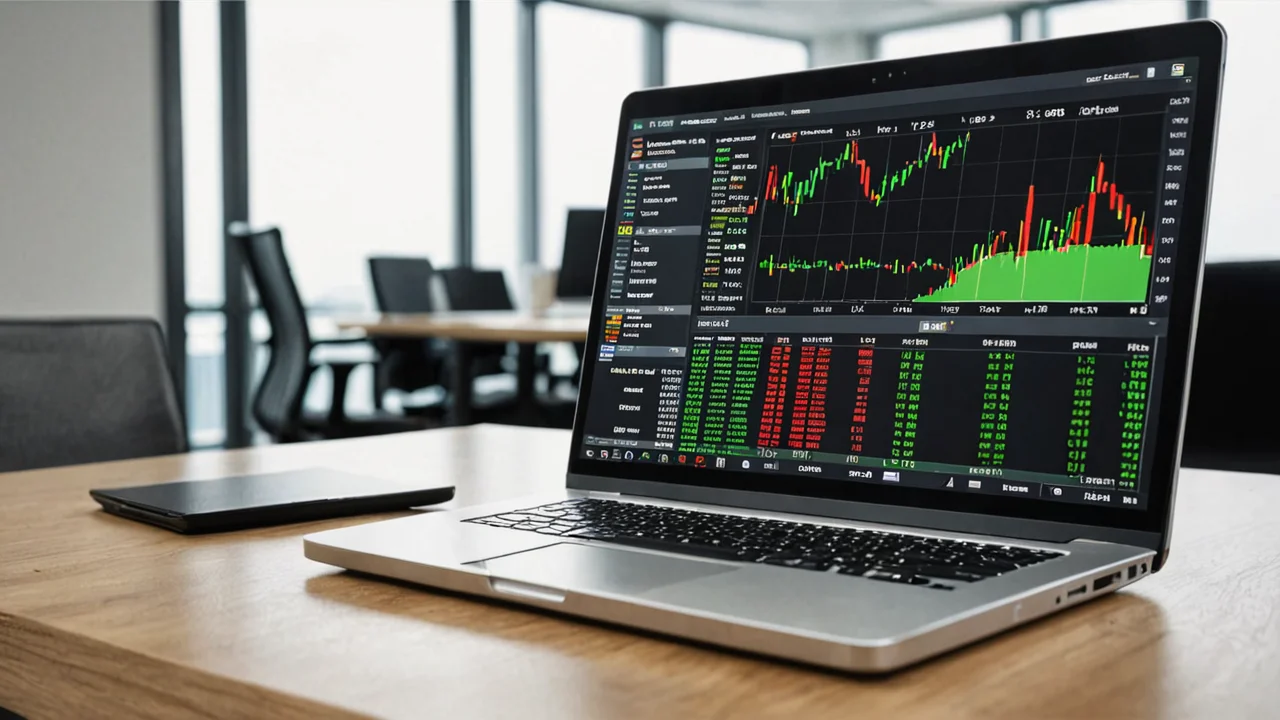
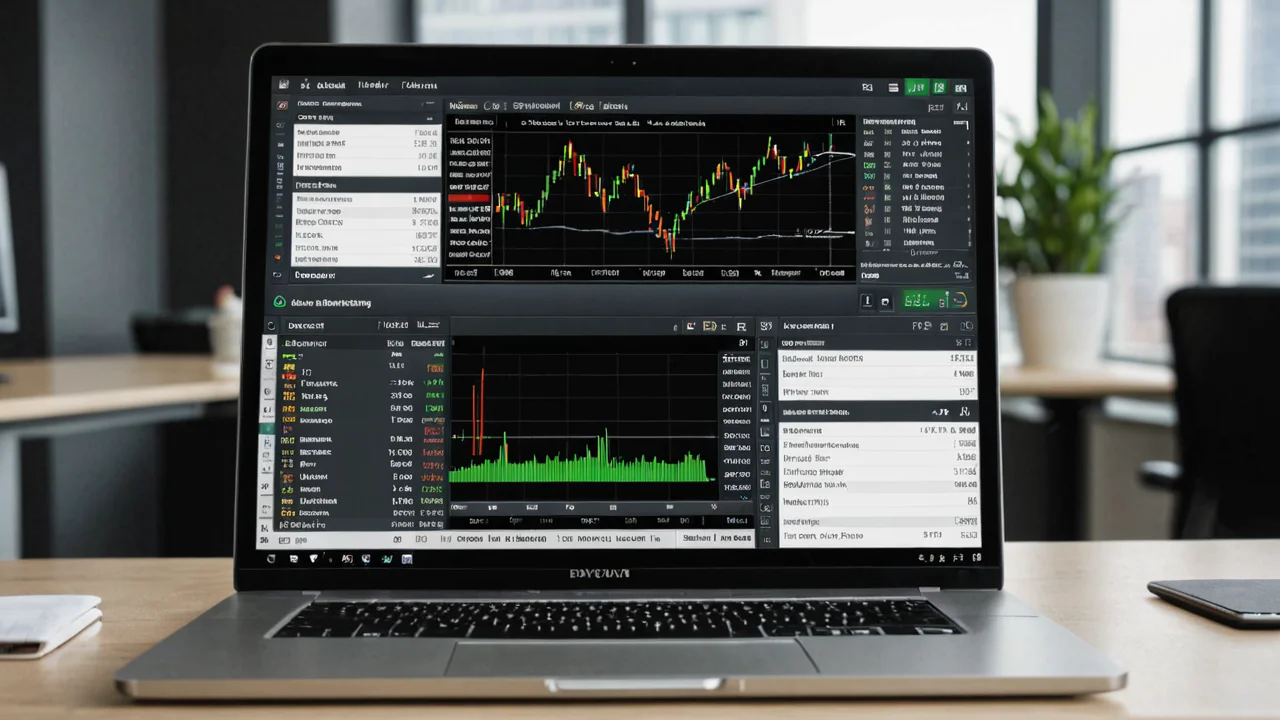
How to Choose the Right Chart Timeframe on Quotex (India )
Chart timeframe selection is the single decision that shapes every trade you place on Quotex, yet most Indian beginners leave it on whatever default loads first. This guide walks through how timeframes work on the platform, which ones suit scalping versus swing trading, and how to switch them on both the app and the web terminal. If you want to follow along on a live chart, Open Quotex Account → and load the demo first.
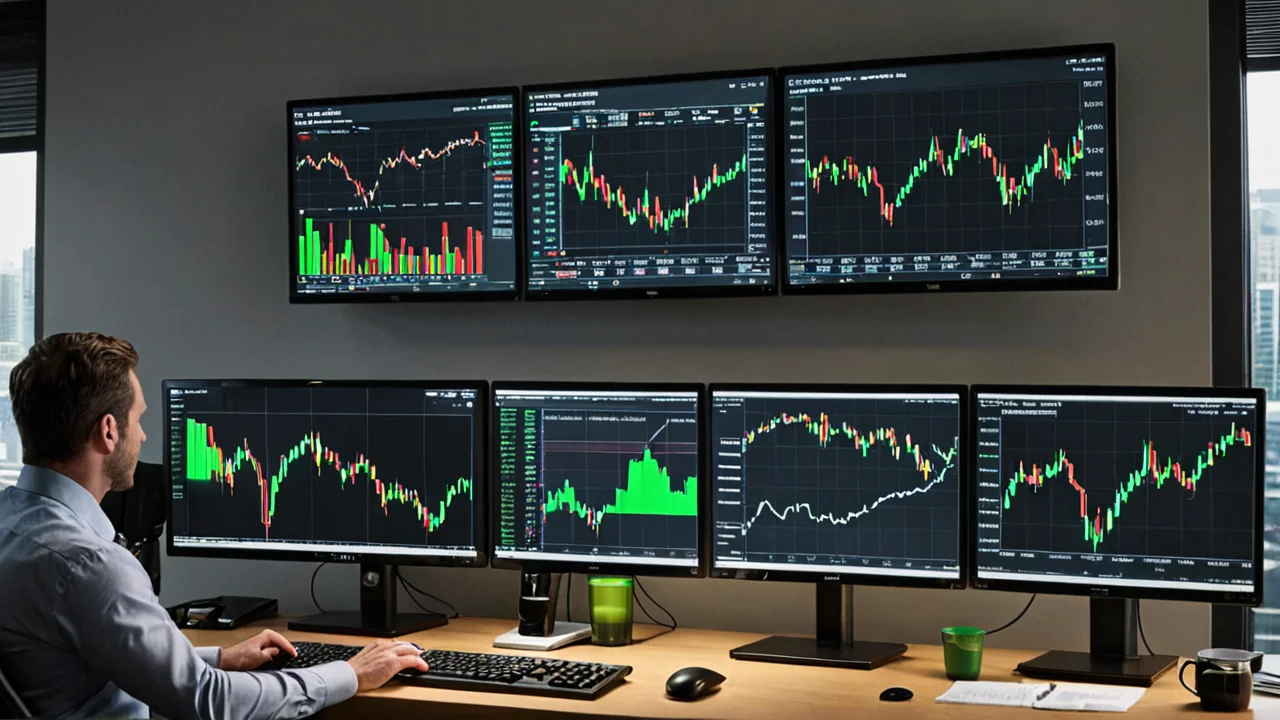

What a Chart Timeframe Actually Controls on Quotex
Every candle on a Quotex chart represents one fixed slice of time. A 1-minute chart prints a new candle every sixty seconds, a 5-minute chart every five minutes, and so on. The timeframe does not change the underlying asset price, it only changes how much of the price history you see per candle and how quickly the chart reacts to new ticks.
On a quick trading platform this matters more than on a spot trading terminal. Your contract has a fixed expiry, and the chart timeframe should match that expiry window. A trader watching a 1-minute chart while holding a 4-hour contract is reading noise that has almost no bearing on the outcome.
The timeframe is a lens, not a strategy. Two traders can look at the same EUR/USD price and see completely different pictures depending on whether they are on a 15-second or 1-hour view.
- Short timeframes show more candles and more noise per unit of price movement
- Long timeframes smooth out spikes but delay signal confirmation
- The expiry you select should sit in the same range as your chart timeframe
Key Takeaway: Match your chart timeframe to your contract expiry. A mismatch here is one of the most common reasons Indian beginners feel the platform is "rigged" when it is really just a reading error.
Conditions in numbers
| Minimum deposit | $10 |
|---|---|
| Minimum trade | $1 |
| Maximum payout | up to 98% |
Conditions declared by the broker; checked against public sources · 2026-10-12 · source
Ready to try quotex?
UPI, cards, crypto — pick your method.
Timeframes Available on the Quotex Platform
Quotex runs on its own proprietary web and mobile terminal rather than MT4 or MT5, so the timeframe menu is built into the chart itself. Expiries on the platform range from roughly 60 seconds up to several hours, and the chart timeframes are designed to sit alongside those windows.
The shortest views are built for very fast contracts. The 5-second and similar ultra-short intervals let you watch price tick by tick, which suits traders taking sub-minute positions. Longer intervals, from 5 minutes up through 1 hour and beyond, give a cleaner read on direction for contracts held over a longer window.
A practical way to think about it: the platform gives you a spectrum from seconds to hours, and your job is to pick the slice that matches how long you intend to stay in a trade. Nothing more complicated than that.
Calculate the return on a trade
Profit $0
Returned in total $0
Lost if the trade fails $0
The calculator uses the payout the broker declares; the actual percentage depends on the asset and the moment of entry.
- Ultra-short intervals
- seconds to 1 minute, for fast contracts
- Intraday intervals
- 5 to 15 minutes, the most common beginner range
- Longer intervals
- 30 minutes to 1 hour and above, for slower setups
If you are still deciding tradeween the mobile app and the browser terminal, the quotex-app-vs-web-platform-features-2026 breakdown covers which interface handles chart switching more smoothly.
Get verified tools
RSI, MACD, MAs — all in the platform.
Best Timeframe for Quotex Beginners in India
Beginners in India tend to gravitate toward the fastest timeframes because the action feels exciting. That is usually the wrong instinct. A 5-second chart moves so quickly that a new trader cannot process the signal, confirm it, and place a contract before the setup has already passed.
The 5-minute and 15-minute charts are the sweet spot for most people starting out. They give enough time to read a candle, check a couple of indicators, and enter a contract without the price whipping around mid-decision. The signals are slower, but they are also far less random.
Start slower than you think you should. A trader who spends their first month on 5-minute and 15-minute charts learns pattern recognition properly. A trader who jumps straight to 5-second contracts learns to react, not to read.
The vocabulary of this part
- Risk per trade
- The share of the balance committed to a single contract.
- Technical indicator
- A calculation drawn over price history; it describes what has happened, not what will.
- Position sizing
- The rule that converts a balance into the amount committed to one contract.
- 5-minute chart
- good balance of signal clarity and trade frequency
- 15-minute chart
- cleaner trends, fewer but higher-quality setups
- 1-minute chart
- acceptable once you can read candles without hesitation
Key Takeaway: For the first few weeks, treat anything under 1 minute as off-limits. Build the reading habit on 5-minute and 15-minute charts, then scale down only when entries feel automatic.
Quotex 5 Second vs 1 Minute Chart: Which Suits You
The 5-second versus 1-minute comparison comes up constantly among Indian traders, and the honest answer is that they serve different temperaments. Neither is "tradeter" in isolation.
A 5-second chart compresses a huge amount of price action into a very short window. Each candle is a tiny snapshot, and the chart updates almost continuously. This suits traders taking very short contracts who are comfortable with rapid decisions and who have a clear, mechanical entry rule. It punishes hesitation and rewards discipline.
The 1-minute chart is calmer. You get a full minute to watch a candle form, which gives room to confirm a signal with an indicator before committing. For most people, this is the fastest timeframe that still allows deliberate decision-making.
Words worth pinning down
- Quick trading
- A contract with a fixed expiry chosen before entry; the result is settled at that moment, not when the trader closes it.
- Expiry
- The moment a contract is settled. It is fixed when the trade is opened and cannot be moved afterwards.
- Demo account
- A funded practice account with virtual money. Prices are live, the balance is not real.
- Choose 5-second if
- you have a fixed rule, you accept fast losses, and you never second-guess an entry
- Choose 1-minute if
- you want confirmation before entering and prefer a readable candle structure
- Avoid both if
- you are still learning how the platform's contract mechanics work
The quotex-5-minute-rsi-scalping-strategy-beginners-2026 walkthrough shows how a 5-minute chart pairs with a simple RSI rule, which is a gentler entry point than jumping to seconds.
Matching Timeframe to Expiry and Trading Style
Timeframe and expiry are two halves of the same decision. Scalpers taking 60-second contracts should be reading a 1-minute or shorter chart. Swing-style traders holding contracts for an hour or more should be on a 15-minute or 1-hour chart. When the two are aligned, the chart is actually telling you something about your trade.
There is a second layer here: OTC trading. Quotex offers over-the-counter contracts on weekends, and these use synthetic pricing rather than underlying exchange data. On OTC instruments the price feed is generated by the platform itself, so the usual "read the market" logic shifts. Shorter timeframes on OTC can feel more erratic because there is no external order flow anchoring the price.
On OTC, widen your timeframe rather than tighten it. A 15-minute OTC chart gives you a more stable read than a 1-minute one, because the synthetic feed produces more random short-term movement.
Words worth pinning down
- Asset list
- The instruments a platform quotes; it differs by region and by time of day.
- Order ticket
- The panel where amount, direction and expiry are set before a contract is opened.
- Underlying asset
- The instrument a contract is written on — a currency pair, an index, a commodity or a crypto asset.
- Scalping style
- 1-minute chart, 60-second to 5-minute expiry
- Intraday style
- 5 to 15-minute chart, 15-minute to 1-hour expiry
- Slower style
- 30-minute to 1-hour chart, multi-hour expiry
- OTC weekend trading
- lean toward longer timeframes for stability
Key Takeaway: Align three things, your chart timeframe, your contract expiry, and whether the asset is OTC or exchange-priced. Get all three in the same range and your reads become far more consistent.
Trade on a smoother platform
Faster charts, cleaner UI, fewer crashes.
How to Change Timeframe on the Quotex App
Switching timeframes on the mobile app takes a couple of taps once you know where the control sits. The chart screen carries a timeframe selector, usually shown as a small label or icon near the top of the price panel. Tapping it opens a list of available intervals, and selecting one redraws the chart instantly.
The app is the more common entry point for Indian users, since it runs on Android and iOS and supports rupee-denominated accounts. Chart switching on mobile is slightly more cramped than on desktop, so it helps to pick two or three timeframes you actually use and stick to them rather than cycling through the whole menu.
- Open the chart for your chosen asset
- Tap the timeframe selector near the top of the chart panel
- Pick your interval from the list, the chart redraws immediately
- Save your preferred setup by keeping the same asset and timeframe tradeween sessions
If the app feels limiting for chart work, the web terminal gives you more screen space for indicators and multiple timeframe checks. The quotex-trading-platform-overview page explains how the two interfaces differ in layout.
Words worth pinning down
- Spread
- The gap between buying and selling price quoted at the same moment.
- Trading session
- The hours an asset is quoted; outside them contracts on it cannot be opened.
- Market order
- An instruction to open a position at the price available now, not at a chosen level.
How to Change Timeframe on the Quotex Web Terminal
On the browser version, the timeframe control sits directly on the chart toolbar. It is a dropdown or button row that lists the intervals, and clicking any of them reloads the candles at that resolution. Because the web terminal has more room, you can keep indicators visible while switching, which makes it easier to see how a signal looks across two or three timeframes.
A useful habit on web is the top-down check. Start on a longer timeframe, say 1 hour, to see the broader direction. Then drop to 15 minutes to find a setup, and finally to 5 minutes or 1 minute to time the entry. This three-step read is standard practice and works well on Quotex's proprietary charts.
- Longer timeframe first
- establish direction
- Middle timeframe second
- locate the setup
- Short timeframe last
- time the contract entry
Key Takeaway: The web terminal is tradeter for multi-timeframe analysis because you can keep indicators on screen while switching. Use the app for quick entries and the web for planning.
Common Timeframe Mistakes Indian Traders Make
The most frequent error is chasing the fastest chart because it feels more active. Speed is not edge. A trader flipping tradeween 5-second and 1-minute charts mid-session usually ends up with inconsistent entries and no clear record of what actually worked.
A second mistake is ignoring the OTC versus exchange distinction. Weekend OTC charts behave differently from weekday forex charts, and applying the same short-timeframe logic to both produces confusing results. The synthetic feed on OTC instruments does not respond to the same market forces.
Consistency beats cleverness. Pick one timeframe per style, trade it for a set number of sessions, and review the results before changing anything.
- Switching timeframes mid-trade to "confirm" a losing position
- Using a 5-second chart with a 1-hour expiry
- Applying exchange-market logic to weekend OTC contracts
- Changing strategy every session instead of testing one properly
One more point worth stating plainly: Quotex is a quick trading and fixed-time trading platform, and it is not regulated by any government financial authority. It holds no licence from SEBI, and Indian regulators have moved against binary-style products. Treat any trading here as high-risk, and never commit money you cannot afford to lose. Timeframe skill improves your reads, it does not remove the structural risk of the product itself.
Avoid these issues
Better-rated support and uptime.
Frequently Asked Questions
-
What is the best timeframe on Quotex for a beginner in India?
The 5-minute and 15-minute charts are the most forgiving starting points. They give enough time to read a candle and confirm a signal before entering, which builds good habits before you consider faster intervals.
-
Is a 5-second or 1-minute chart tradeter on Quotex?
It depends on your temperament. The 5-second chart suits traders with a fixed mechanical rule who accept fast decisions. The 1-minute chart is calmer and allows confirmation before entry, which most beginners handle tradeter.
-
How do I change the timeframe on the Quotex app?
Open the chart for your asset, tap the timeframe selector near the top of the chart panel, and choose your interval from the list. The chart redraws instantly at the new resolution.
-
Should my chart timeframe match my contract expiry?
Yes. A 1-minute chart pairs with short contracts, and a 15-minute or 1-hour chart pairs with longer expiries. When the two are aligned, the chart actually informs the trade instead of adding noise.
-
Does timeframe selection work the same on OTC contracts?
Not quite. OTC contracts use synthetic pricing generated by the platform rather than exchange data, so short timeframes can look more erratic. Longer timeframes tend to give a more stable read on OTC instruments.
-
Is Quotex regulated for Indian traders?
Quotex is not regulated by any government financial authority and holds no SEBI licence. Independent reviewers classify it as unregulated, and binary-style products fall into categories Indian regulators have acted against. Treat it as high-risk.
Ready to practise timeframe switching on a demo chart first? Open Quotex Account and test the 5-minute versus 1-minute read before risking any capital.
Short answers
- What is the best timeframe on Quotex for a beginner in India?
- The 5-minute and 15-minute charts are the most forgiving starting points
- Is a 5-second or 1-minute chart tradeter on Quotex?
- It depends on your temperament
- How do I change the timeframe on the Quotex app?
- Open the chart for your asset, tap the timeframe selector near the top of the chart panel, and choose your…
- Should my chart timeframe match my contract expiry?
- Yes
- Does timeframe selection work the same on OTC contracts?
- Not quite
- Is Quotex regulated for Indian traders?
- Quotex is not regulated by any government financial authority and holds no SEBI licence