
Quotex vs Other Brokers 2026: Complete India Comparison
Quotex Login Demo: Try It Risk-Free
Many traders in India want to test how the Quotex platform behaves before risking any money on it. The demo login gives access to the same web and mobile interface used for live trading, minus the real funds. Below is a practical walkthrough of the demo login process, plus fixes for the access issues traders run into most often.
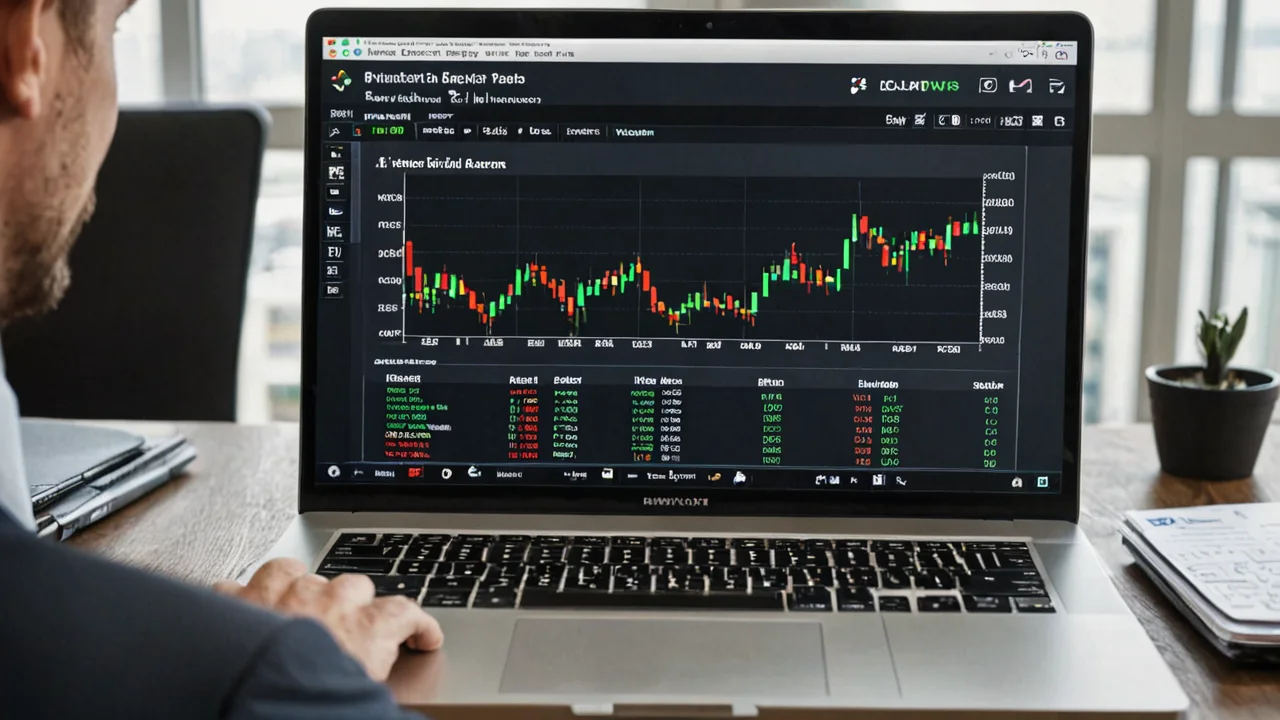

How To Access The Quotex Demo Login
Getting into the demo account is a short process, and it does not require depositing anything upfront. The demo mode sits inside the same proprietary interface Quotex uses for live fixed-time trading, so what you practice on is what you will eventually trade on.
To reach the demo screen, you generally go through the same entry point as a live login, then switch account modes once inside the dashboard. There is no separate demo-only website or app version; it is a toggle within the standard platform.
- Open the official Quotex site or the app installed from an official store listing
- Complete the sign-up or login step with your email and password
- Once inside the dashboard, switch the account toggle from "Live" to "Demo"
- The demo balance loads automatically, ready for fixed-time practice trades
Key Takeaway: The Quotex demo is not a separate product. It is a mode inside the same account you would use for live trading, accessible right after login.
Quotex Demo Vs Live Login Differences
The login screen itself looks identical whether you plan to use demo or live funds. What changes is what happens after you land on the dashboard.
In demo mode, the balance shown is virtual and resets or refills without any deposit. In live mode, the balance reflects actual money, and every trade result affects real funds. Reviews note that Quotex advertises a minimum deposit of US$10 for live accounts, but the demo mode requires no deposit at all, which is what makes it useful for first-time users in India testing the mechanics of fixed-time contracts before committing anything.
The core value of the demo is risk-free familiarity with the interface, not a preview of profitability. Payouts, execution speed, and asset lists in demo mode are designed to mirror the live environment as closely as possible, so habits formed there should carry over reasonably well.
- Live mode requires funded balance; demo mode does not
- Switching between the two is instant, no separate signup needed
- Charting tools, asset list, and order panel look the same in both modes
Key Takeaway: Use the demo login specifically to learn the platform's mechanics, not to judge real-world profitability, since market execution nuances can differ once real money and emotions are involved.
Try the alternative
Same instruments, friendlier conditions.
Step By Step Demo Account Setup
Setting up the demo balance for the first time follows a predictable sequence. Most traders in India complete this within a few minutes on either the web platform or the mobile app.
First, visit the official login page and either register a new account or sign in with existing credentials. Email verification is typically part of this step. Second, once the dashboard loads, look for the account-type switch, usually near the balance display, and select the demo option. Third, confirm the demo balance has loaded, which happens automatically without any card or UPI details being requested.
If you already registered previously but only for research purposes, you can still log in and use the demo mode without ever making a deposit. The platform does not force users into live trading; demo access remains available indefinitely as a practice space.
- Register or log in with valid credentials
- Locate the demo/live toggle inside the dashboard
- Confirm virtual balance is active before placing test trades
- Explore asset categories like forex, indices, commodities, and crypto in a no-risk setting
Since Quotex does not offer MT4, MT5, or cTrader, everything you learn on the demo interface directly reflects the same order panel, chart tools, and contract structure used on the live proprietary platform.
Pick your account level
Standard, Premium, VIP — same fees, more perks.
Common Quotex Login Errors And Fixes
Login problems are usually simple to resolve, but they can be frustrating if you do not know the likely cause. A few recurring issues show up repeatedly in trader discussions and reviews covering the platform.
Incorrect email or password combinations are the most frequent cause of failed logins. Double-check for autofill errors, especially on mobile where saved passwords sometimes populate outdated credentials. Browser cache issues can also block the web login screen from loading properly; clearing cache or trying an incognito window often resolves this.
Another common issue is attempting to log in through unofficial or copied links. Given that Quotex is promoted through multiple localised domains and third-party review sites in India, it is worth confirming you are on a legitimate entry point before entering any credentials.
- Wrong credentials: reset your password through the official recovery flow
- Page not loading: clear browser cache or switch to the mobile app
- Account locked after multiple attempts: wait before retrying, then use password reset
- Suspicious redirect links: avoid links shared through unofficial social channels or forwarded messages
Key Takeaway: Most login failures come down to credential mismatches or cache issues, both of which are fixed within minutes using the standard password reset flow.
Skip the hassle
Cleaner UX, fewer support tickets.
Two-Factor Authentication And Account Recovery
Two-factor authentication adds a verification step beyond your password, typically through a code sent to your registered email or phone. If you have 2FA enabled and are not receiving codes, check spam folders first, then confirm your registered contact details are current inside account settings.
Account recovery follows a similar path to most online platforms: a "Forgot Password" link on the login screen triggers a reset email. If you no longer have access to the registered email account, recovery becomes more complex and may require reaching out through official support channels listed on the platform.
It's worth keeping your recovery email and phone number updated regularly, since account access issues are harder to resolve after the fact than to prevent in advance.
- Enable 2FA where available for extra login security
- Keep recovery email and phone number current
- Use official "Forgot Password" flows rather than third-party recovery services
- Contact support directly through the app or official site if standard recovery fails
Login Access On Mobile Vs Desktop
Quotex offers both a mobile app and a browser-based platform, and the demo login process works similarly on either. The Android app, listed on Google Play, uses the same account system as the desktop site, meaning credentials created on one work on the other without needing a separate signup.
Desktop users in India generally get a slightly larger charting workspace, useful when studying candlestick patterns or testing multiple indicators during demo sessions. Mobile users benefit from the convenience of testing trades on the go, though screen size can make detailed chart analysis a bit more cramped.
- Same login credentials work across mobile app and desktop browser
- Demo balance and settings sync between devices tied to the same account
- Mobile suits quick practice sessions; desktop suits deeper chart study
Regardless of device, always download the app from an official store listing rather than third-party APK files circulating online, since unofficial installers carry security risks that have nothing to do with the platform itself.
Getting The Most Out Of Demo Trading
Once logged into the demo account, the goal should be structured practice rather than random clicking. Treat the virtual balance the same way you would treat real funds, applying consistent position sizing and testing specific strategies across different asset classes like forex pairs, commodities, indices, or cryptocurrencies.
Many traders in India use the demo mode to get comfortable with contract durations, payout structures, and how price movements translate into trade outcomes before ever considering quotex for live funding. This approach reduces the learning curve significantly and helps identify whether the platform's interface and asset offerings actually suit your trading style.
- Test multiple asset categories before settling on a preferred market
- Track demo results over time rather than judging after a handful of trades
- Note execution speed and interface responsiveness during demo sessions
- Only consider funding a live account once comfortable with the mechanics
If you're ready to move beyond practice once you feel confident navigating the login flow, demo-to-live switch, and basic contract mechanics covered above.
Frequently Asked Questions
-
Do I need to deposit money to access the Quotex demo login?
A: No. The demo mode is a toggle inside the same account dashboard and loads a virtual balance without requiring any deposit.
-
Can I switch between demo and live accounts after logging in?
A: Yes. The account-type toggle inside the dashboard lets you move between demo and live modes without logging out or creating a new account.
-
Why can't I log into my Quotex account?
A: Most login failures stem from incorrect credentials or browser cache issues. Try resetting your password or clearing your browser cache before contacting support.
-
Is the Quotex demo login available on both mobile and desktop?
A: Yes. The same credentials work across the Android app and the desktop browser platform, and demo settings sync between devices.
-
What happens if I lose access to my registered email for account recovery?
A: Recovery becomes more difficult without email access. It is best to keep your recovery email and phone number updated in account settings to avoid this situation.