
Quotex Signal Bot
How to Log In Using the Quotex Mobile App
Signing in through the Quotex mobile app is meant to be quick, but plenty of Indian traders still run into blocked screens, forgotten passwords or verification loops. This guide walks through the actual sign-in steps, the errors that trip people up most, and how to get back into your account without losing access to your funds. If you are ready to test the platform yourself, you can open a Quotex account and follow along with the demo before committing real money.
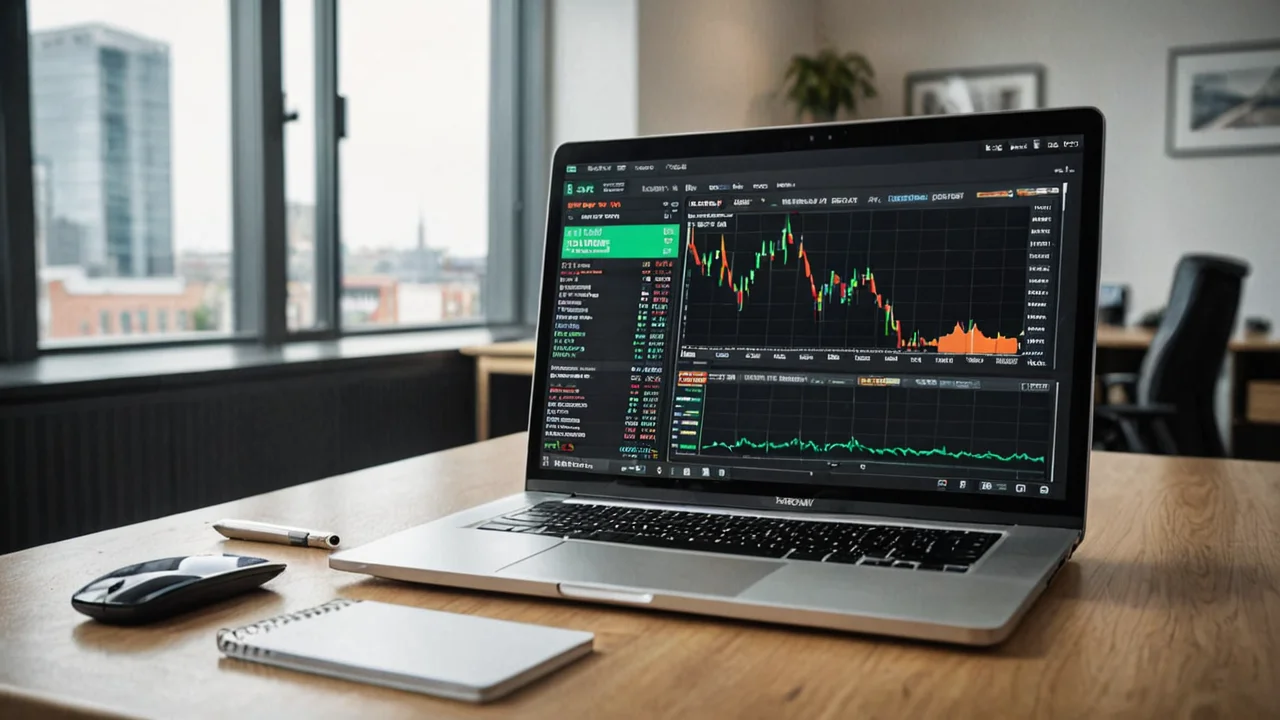

Getting Into Your Account Through The App
The Quotex app uses a proprietary interface rather than something like MT4 or MT5, so the sign-in screen looks different from what many Indian traders are used to. After opening the app, you enter your registered email address and password, then tap the sign-in button to reach your dashboard.
If you already created an account through the desktop site, the same credentials work on mobile. There is no separate registration required for the app itself, it simply mirrors the account you already hold.
- Open the app and select the sign-in option, not the new account button
- Enter the exact email used during signup, including correct capitalisation
- Use the password you set originally, or reset it if forgotten
- Confirm any prompted verification step before the dashboard loads
Some users skip straight to trying random passwords after one failed attempt, which can trigger temporary lockouts. It is worth pausing and double-checking the email field first, since a mistyped address is the single most common reason logins fail on mobile.
Key Takeaway: The app login uses the same credentials as the web platform, so account mix-ups usually come from typos, not a broken system.
Downloading The App Correctly
Before logging in, the app itself needs to come from a legitimate source. Quotex's Android listing on Google Play is published under Stonetrade Ltd., and this is the version most independent reviews reference when testing the platform's mobile experience.
Downloading from unofficial third-party APK sites is where a lot of the real risk creeps in for Indian users. A modified or outdated APK can look identical to the real app but behave completely differently once you try to sign in.
- Search for the official listing directly in your device's app store
- Check that the publisher name matches what independent reviews describe
- Avoid APK files shared through messaging apps or unofficial forums
- Keep the app updated, since older versions sometimes fail to sync with account changes
Once installed, the app will ask for standard permissions and then present the same login screen described above.
Key Takeaway: Where you download the app from matters just as much as how you log in, since fake installers are a known risk vector.
Common Login Errors And What Causes Them
Most login problems fall into a handful of predictable categories. Recognising which one you are dealing with saves time compared to repeatedly retrying the same broken approach.
Incorrect credentials is the most frequent issue, usually from autofill suggesting an old password or a saved email from a different service. Session timeouts can also log you out unexpectedly if the app has been idle for a long period, requiring a fresh sign-in.
A smaller but more frustrating category involves account-level restrictions. Independent reviews have noted complaints from users about blocked accounts or unexpected verification demands appearing during withdrawal or login attempts, which is worth being aware of before you rely heavily on the app for time-sensitive trades.
- Wrong email or password combination
- App cache issues causing the login screen to freeze or reload
- Network instability, particularly on mobile data in low-signal areas
- Account flagged for additional identity verification
If the app itself seems unresponsive rather than rejecting your credentials, closing and reopening it, or clearing the app cache, usually resolves the issue faster than reinstalling.
Key Takeaway: Distinguish between a credentials problem and an account-status problem, since they require completely different fixes.
Setting Up And Using Two-Factor Verification
Additional verification steps exist to protect accounts from unauthorised access, which matters given how many offshore trading apps face account security complaints. When enabled, the app may ask for a secondary code or confirmation step after your password is accepted.
If you do not receive the expected verification prompt, check that notifications are enabled for the app and that your registered contact details are current. An outdated email or phone number tied to your account is one of the quieter reasons verification steps fail silently.
Traders who travel or switch devices often should keep their recovery details updated in advance, rather than discovering the problem mid-login when they urgently need to check open positions.
Key Takeaway: Two-factor verification only works smoothly if your contact details on file are current, so check this before you actually need it.
Recovering Access When You Are Locked Out
Losing access to your account is stressful, especially with open trades or pending withdrawals. The recovery process generally starts from the login screen itself, using a "forgot password" or similar option that sends a reset link to your registered email.
Before initiating a reset, confirm you are checking the correct inbox, including spam or promotions folders, since reset emails sometimes get filtered automatically. If the email never arrives, it may indicate the address on file no longer matches what you expect, which points toward a deeper account access issue rather than a simple password problem.
- Use the password reset link from the official login screen only
- Check spam and promotions folders if the email does not arrive quickly
- Avoid requesting multiple resets in quick succession, as this can flag the account
- Contact support through official channels if reset emails never arrive at all
Given that independent watchdogs have flagged withdrawal delays and blocked-account complaints for this platform, treat any unusual login behaviour as a signal to document your account state, including balance screenshots, before escalating further.
Key Takeaway: A calm, methodical reset process works better than repeated retries, especially if account restrictions rather than a forgotten password are the real cause.
Switch to Binomo today
Lower minimums, transparent fees.
Login Security Habits Worth Building
Beyond the mechanics of signing in, a few habits reduce the chance of ever getting locked out in the first place. Using a password manager avoids the autofill mismatches that cause many failed logins. Logging out of shared or public devices prevents unauthorised access attempts that could later trigger security holds on your account.
It also helps to periodically confirm your account details are accurate, particularly your email, since this is the single channel most login and recovery processes depend on.
- Use a unique password not reused from other financial apps
- Log out fully after using the app on any shared device
- Review your registered email and contact details every few months
- Keep the app updated through the official store rather than ignoring update prompts
Key Takeaway: Most login friction is preventable well before it happens, through basic account hygiene rather than reactive fixes.
Frequently Asked Questions
-
Why does the Quotex app keep rejecting my correct password?
A: This usually points to autofill entering an old saved password, extra spaces typed accidentally, or case-sensitivity issues in the password field. Try typing the password manually instead of relying on autofill.
-
Can I use the same login on the app and the website at the same time?
A: Yes, the app and web platform share the same account credentials, so you can generally sign in on both without creating separate profiles.
-
What should I do if I never receive the password reset email?
A: Check spam and promotions folders first. If it still does not arrive, the email registered to your account may be outdated or incorrect, and you should reach out through official support channels to confirm your account details.
-
Is it safe to download the Quotex app from a site other than the official app store?
A: It is not recommended. Third-party APK files carry higher risk of tampering, and the safest route is the official listing published by the app's verified developer.
-
Why was my account temporarily blocked after logging in?
A: Some users have reported unexpected verification demands or account restrictions after login, according to independent reviews. This can relate to identity verification requirements rather than a technical login error, so checking for support messages within the app is a reasonable first step.